This is a program that simulates a slit diffraction with a customisable scene of slits and full control of the frequencies that are shone through them.
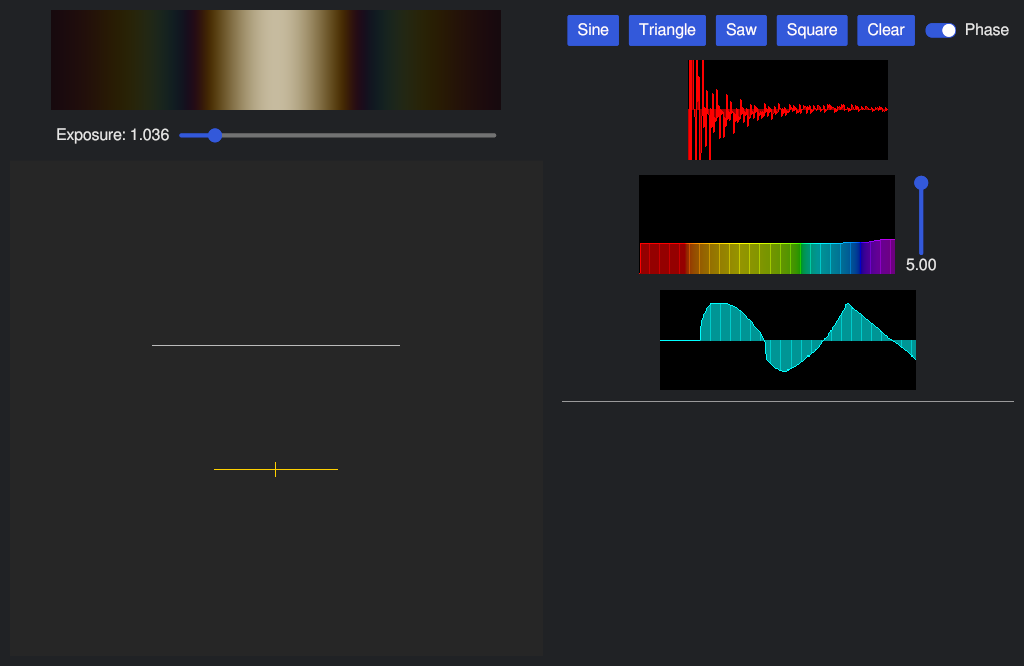
The initial idea was to be able to draw the wave shape of the light that went through, which is what the fourier transform section on the right is for.
However, most things you can draw have a dominant low frequency, so are basically red on the screen.
Although it is still cool to be able to see the wave shapes of the things you draw on the frequency spectrum.
There are sliders to control the exposure of the screen as well as the relative intensity displayed on the spectrum to allow for finer control at low levels.
This is because if you enable all frequencies simulated, the light intensity gets too high and the screen just goes white.
The phase plot only affects the fourier transform as slits reset the phase of the incoming light.
The wave shape plot is also synced to the lowest visable frequency so that a sine wave which fills the plot is completely red (shown below).
The program is still currently unfinished (like all of my projects).
I have plans to add the ability to change the slit width and add bends in the wall.
Curves would be cool, but they seem quite complicated and increasing the scope doesn't help finish a project.
Some more usability features would be nice as well, but the GUI library is a little annoying to work with to develope those.
In terms of how it is implemented, it first uses the standard single slit diffraction intensisty distribution approximation.
Then it sums up all the intensity of all slits foreach frequency of the spectrum that is used.
To get the colour on the screen each frequency is turned back into RGB, scaled by the intensity, and summed together.
It's probably not the most efficient or accurate method, but it seems to get good results.
I did have plans to use numerical methods to compute solutions to the general equation to get more accurate results, but as it is already quite slow with a lot of slits and frequencies, I decided to put it hold for now.
The scene control scheme:
Esc - Cancel current action;
Ctrl + I - Insert new slit;
Scroll - Zoom;
Middle Mouse - Pan;
Left Mouse - Select and move objects;
Shift - Snap currently moving wall point to set angles;
Ctrl - Change currently moving wall points about centre;
Alt - Snap currently moving wall point to be the previous length;
Source code
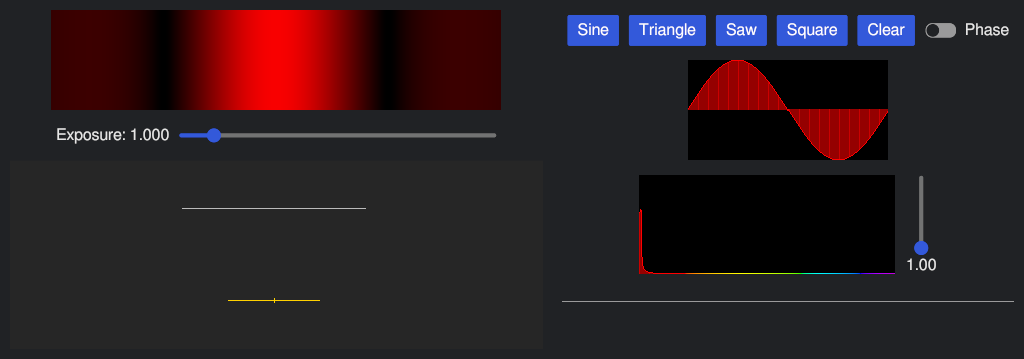 Single slit red
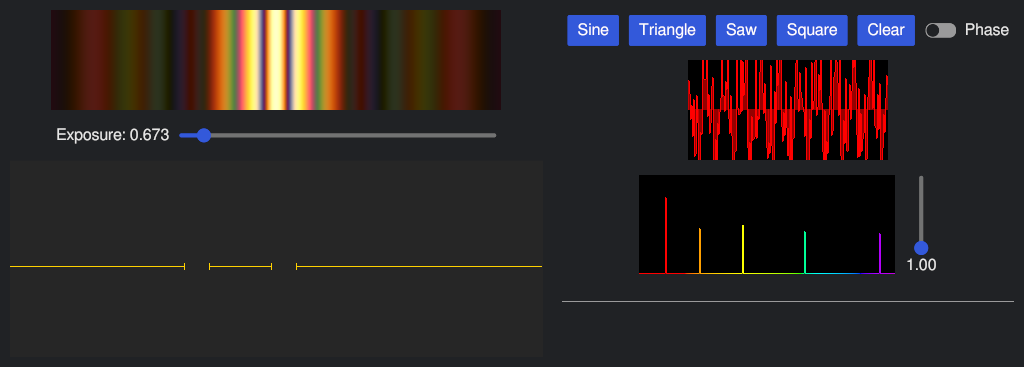 Double slit rainbow
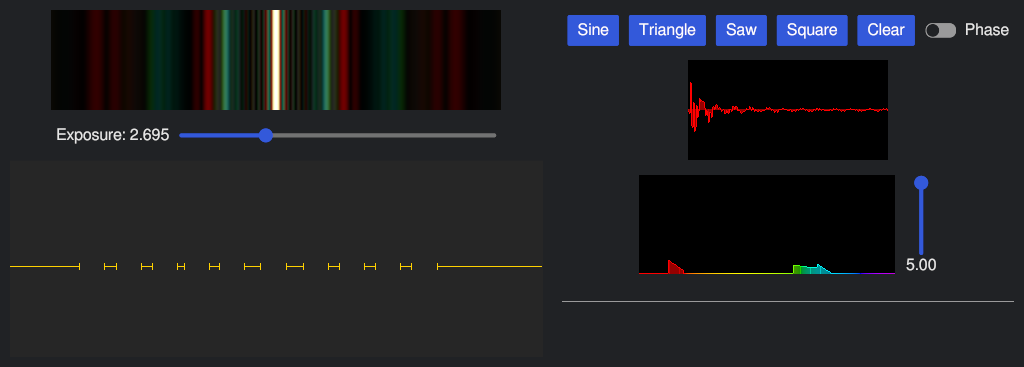 Diffraction grating multicolour
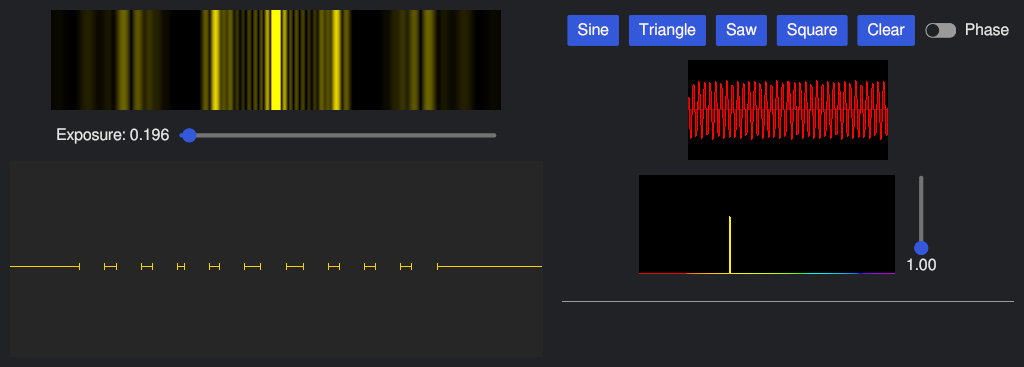 Diffraction grating yellow